7 Best AI Meeting Assistants for Client Calls
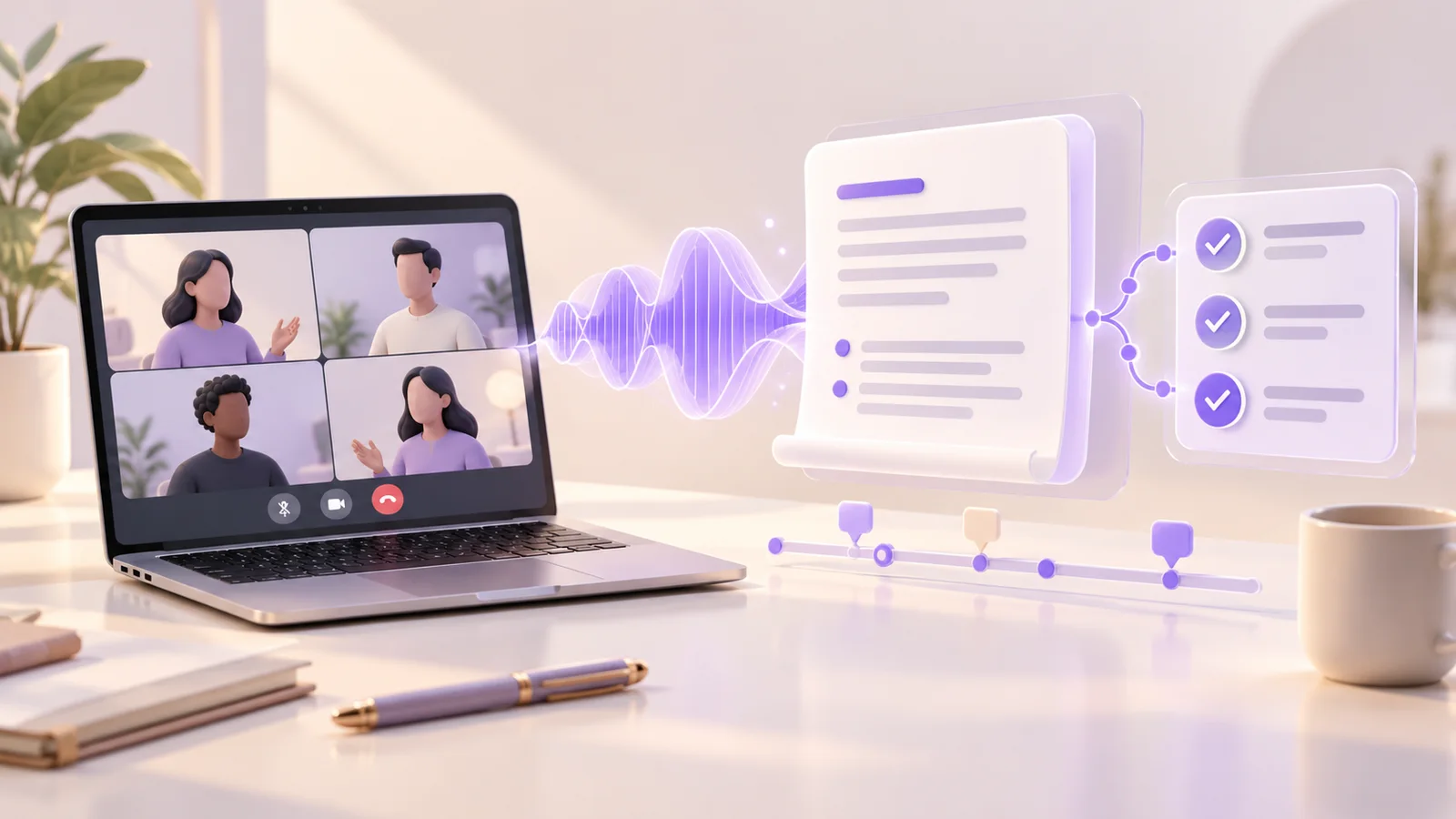
An AI meeting assistant earns its place when a client conversation becomes a clear record of decisions, open questions, and next steps. A transcript helps you find what was said. A useful handoff also tells your team what to do next and gives a reviewer enough context to check it.
Fathom is our first recommendation for everyday client video meetings, particularly when an individual wants to start with recordings and basic summaries before committing to a team plan. Granola is our next choice for personal notes captured from device audio. Fireflies.ai, Otter.ai, tl;dv, Avoma, and MeetGeek offer other combinations of searchable conversations, shared insights, and workflow automation.
Research note: This is an editorial comparison of official product, pricing, and help pages checked on 18 October 2026. The order prioritizes practical handoffs for general client meetings; the fit labels identify situations where another tool may suit you better. We have not assigned measured accuracy or time-saving scores.
What we compared
We selected seven available tools with meeting capture and AI-assisted notes. For consultants, agencies, sales teams, and customer-success teams, four questions matter more than a long feature checklist:
- Capture: Does the tool support your meeting platform, device, and call type? Does it join the meeting, use device audio, or accept a recording?
- Handoff: Can you review the summary, identify next steps, and share relevant material with the right people?
- Limits: Which minutes, AI features, recording lengths, and history allowances are included?
- Team cost: Who needs a paid seat, and which integrations or controls require an upgrade?
For a broader way to judge summarization software, our guide to the commercial value of AI summarization connects the output with the work it should help complete.
Quick comparison: seven recommended meeting assistants
The table uses published dollar prices checked on 18 October 2026. Annual prices are monthly equivalents on an annual commitment; Granola Business is billed monthly. Taxes, add-ons, and seat rules can change the total. Paid plans below are useful reference points, rather than equivalent bundles.
| Rank and tool | Our suggested fit | Plan reference | Important limit |
|---|---|---|---|
| 1. Fathom | Everyday client video calls and shared replays | Team: $15/user/month, billed annually; two-user minimum | Free advanced summaries cover five calls monthly |
| 2. Granola | Personal notes captured from device audio | Business: $14/user/month, billed monthly | Basic history is accessible for 30 days; no saved audio/video replay |
| 3. Fireflies.ai | Meeting material routed into team tools | Pro: $10/user/month, billed annually | Advanced AI credits and storage have separate rules |
| 4. Otter.ai | Live transcripts and shared meeting notes | Pro: $8.33/user/month, billed annually | 1,200 minutes monthly; 90 minutes per conversation |
| 5. tl;dv | Sharing customer-call insights across teams | Free tier; confirm current paid Pro/Business rates | Full automatic AI notes on Free cover ten meetings in total |
| 6. Avoma | Structured sales and customer-success notes | Startup: $19/recorder/month, billed annually | Free collaborators cannot record their own meetings |
| 7. MeetGeek | Follow-up workflows across business apps | Pro: $9.99/user/month, billed annually | 20 transcription hours monthly; two-hour recording limit |
1. Fathom: best starting point for everyday client video calls
Fathom is our first pick for a consultant or account manager who wants a reusable record of standard online meetings. Its compatibility guide lists Zoom, Google Meet, and Microsoft Teams on Mac and Windows. An iOS app covers in-person conversations; bot-free capture is currently Mac-only.
The free individual plan provides unlimited recordings, transcripts, and basic summaries. Advanced summaries cover the first five calls each month. That gives a useful distinction when evaluating the free tier: basic meeting documentation and the broader advanced-AI feature set have different allowances.
Team fit and cost: Team adds comments, folders, shared meeting search, and playlists. Its published rate is $15 per user monthly on annual billing, or $19 billed monthly, with a two-user minimum.
Main limitation: Check the call type. The compatibility guide excludes phone calls, webinars, breakout rooms, and some instant Teams meeting formats. A useful video-meeting tool may still leave gaps in your wider client-call workflow.
2. Granola: best for personal notes captured from device audio
Granola suits someone who wants to take a few notes while an assistant adds meeting context. Its product page lists macOS, Windows, iOS, and Android, with device-audio capture instead of an invited meeting bot. Its note-first approach is worth considering for recurring client conversations where you want an editable working record.
Pricing: Business costs $14 per active user per month, billed monthly. All members of a workspace share its plan, so calculate the cost for that workspace. Business adds full meeting history and integrations; Basic provides access to the most recent 30 days of history in the app.
Main limitation: Granola's transcription documentation says it does not save meeting audio or video, and it does not import prerecorded audio files. Start capture in the desktop or mobile app; the web interface is for existing notes. Choose it for notes and transcripts when a replay archive is not essential.
3. Fireflies.ai: best for routing meeting material into team tools
Fireflies.ai is worth shortlisting when the meeting record must reach a CRM, task system, or shared channel. Its capture options include a meeting bot, a Google Meet extension, desktop and mobile capture, and file uploads. Transcripts, summaries, action items, search, and AskFred help organize the captured material.
Pricing: Pro is listed at $10 per user monthly on annual billing, or $18 billed monthly. It includes unlimited summaries, 8,000 storage minutes per seat, and integrations. Storage is accumulated capacity. The free tier has limited summaries and 400 storage minutes per team.
Main limitation: Separate standard meeting notes from advanced AI credit usage. The included Pro credits are a one-time team pool, rather than a monthly allowance for every user. Review any credit subscription and auto-upgrade settings before enabling a broad workflow. A low recorder price does not describe the complete cost of every AI action.
4. Otter.ai: best for live transcripts and controlled note sharing
Otter.ai is a useful option when colleagues want to follow a transcript and receive meeting notes. Its Notetaker can join Zoom, Google Meet, and Teams through a connected calendar. Its sharing settings distinguish meeting guests, same-domain guests, workspace members, and private notes.
Pricing: Pro costs $8.33 per user monthly on annual billing, or $16.99 billed monthly. It allows 1,200 minutes per user monthly and 90 minutes per conversation. Basic includes 300 minutes monthly and 30-minute conversations, which can constrain a longer client meeting.
Main limitation: Read the limits by capture route. Business offers unlimited meeting and in-app recording minutes, but imported transcription remains capped at 6,000 minutes per user monthly. Also choose the auto-sharing audience deliberately: a transcript intended for an internal handoff may need a different audience from a client recap.
5. tl;dv: best for sharing customer-call insights across teams
tl;dv is a candidate for teams turning several conversations into shared observations. Its product workflow includes summaries, topics, action items, reports across meetings, and follow-up drafts. Integrations connect meeting material with CRM, Slack, and project tools; check which links are native and which use an automation service.
Capture and pricing: Zoom, Meet, and Teams are supported. Its desktop capture guide also describes system-audio recording; bot-free capture is audio-only. A free tier is available. Confirm paid Pro and Business rates in the current plan selector; a verified paid starting rate is not included here.
Main limitation: The free-plan rules allow full automatic AI notes for ten meetings in total, then only the first ten minutes of each meeting. Free recordings are stored for three months. Check these limits before treating the free account as a durable client research library.
6. Avoma: best for structured sales and customer-success handoffs
Avoma is our specialist shortlist choice when client calls feed a sales or customer-success process. Its meeting assistant prepares transcripts, takeaways, action items, chapters, and follow-up drafts. The feature matrix includes automatic saving of notes to supported CRM records in Startup.
Pricing: Startup costs $19 per recorder seat monthly on annual billing, or $29 billed monthly. Free collaborators can read notes and transcripts, view recordings, comment, and share. They cannot record their own meetings. Paid recorder users share the same base plan.
Main limitation: Distinguish CRM notes from structured CRM field updates. Two-way field updates are listed under the separately priced Revenue Intelligence add-on. Conversation Intelligence is also an add-on. Request a quote for the specific recording, collaboration, and CRM behavior you need, rather than assuming every demonstrated sales feature is included in Startup.
7. MeetGeek: best for follow-up workflows across business apps
MeetGeek is worth investigating when summaries and next steps should move into other business tools. Its plans cover meeting capture, AI summaries, and search. Pro adds integrations, automation services, agents/workflows, exports, and flexible sharing.
Pricing: The official billing explanation lists Pro at $9.99 per user monthly on annual billing, or $15.99 billed monthly. Pro includes 20 transcription hours monthly. Business is $17 on annual billing, or $27 billed monthly. Basic provides three transcription hours monthly.
Main limitation: Basic and Pro recordings are limited to two hours. Retention and collaboration also vary: Pro lists a year of transcript storage, while team spaces and broader team features sit in Business. Test the selected workflow's sharing and sending behavior before allowing it to distribute client follow-ups; automation availability does not establish that every step includes human review.
Choose by the handoff your team needs
Begin with the record you need after a call. If a colleague must replay an exact moment, prioritize recording access and retention. If you mainly need personal working notes, device-audio capture may suit the job. If the next step is updating a customer record, examine the exact CRM objects, fields, and permissions involved.
Build a small pilot around three representative meetings: a routine status call, a conversation with product names or technical vocabulary, and a meeting with several people assigning work. Use the same acceptance criteria for each tool. Check decisions, owners, dates, unresolved questions, and source references, then record the editing effort required.
A useful review prompt is: “List confirmed decisions, open questions, and actions with owners and dates. Link each item to supporting transcript context where available. Mark missing owners or deadlines as unspecified.” Treat the result as material to review before it reaches a client. Our prompt engineering guide explains how to make instructions more specific.
Assign a person to the handoff. That person checks the recap, sets the audience, and confirms whether a proposed task or CRM change is appropriate. Our workplace AI collaboration guide provides a broader framework for keeping people responsible for the work.
Work out the real cost before choosing
Count the people who capture meetings, the people who only read notes, the typical call length, and the amount of history you need. Add any AI credits, automation products, or CRM add-ons. A free collaborator and a paid recorder are different roles, and some workspaces bill all active members.
For annual plans, assess the full annual commitment. For any plan, decide how you will export useful material or change access when a project ends. Confirm how participants are informed about capture and who can view, share, or delete the resulting record. These are practical requirements for handling client conversations.
Frequently asked questions
Which assistant should a solo consultant try first?
Start with Fathom for supported video meetings when recordings and basic summaries are useful. Consider Granola when your priority is editable notes from device audio. Check the free-tier limits against the length and type of your actual calls.
Does a tool without a meeting bot keep everything on my device?
The capture method alone does not establish where transcription or AI processing happens. Read the chosen product's data-processing and sharing documentation, and distinguish local audio capture from local AI processing.
Can these tools send client follow-ups automatically?
Capabilities differ by plan and integration. A draft email, a task export, and a message sent to a client are separate actions. Verify the actual behavior and decide which actions should require review.
Is a good summary enough to choose a tool?
Assess the full handoff: reliable capture for your meeting type, reviewable notes, suitable sharing, useful integrations, and an affordable plan. The best choice is the one that supports your team's next action with an understandable record behind it.
Sources and update note: Official references are linked beside each product. Prices, limits, and plan names were checked on 18 October 2026 and may change. Fit labels, ranking, pilot design, and buying advice are AI Top Tools editorial judgments. Cover illustration: AI-generated for AI Top Tools.
- Posted by
- AI Top Tools Editorial
- Published on
- Category(s)
- AI, Latest Technology