
6 Best AI Podcast Editing Tools
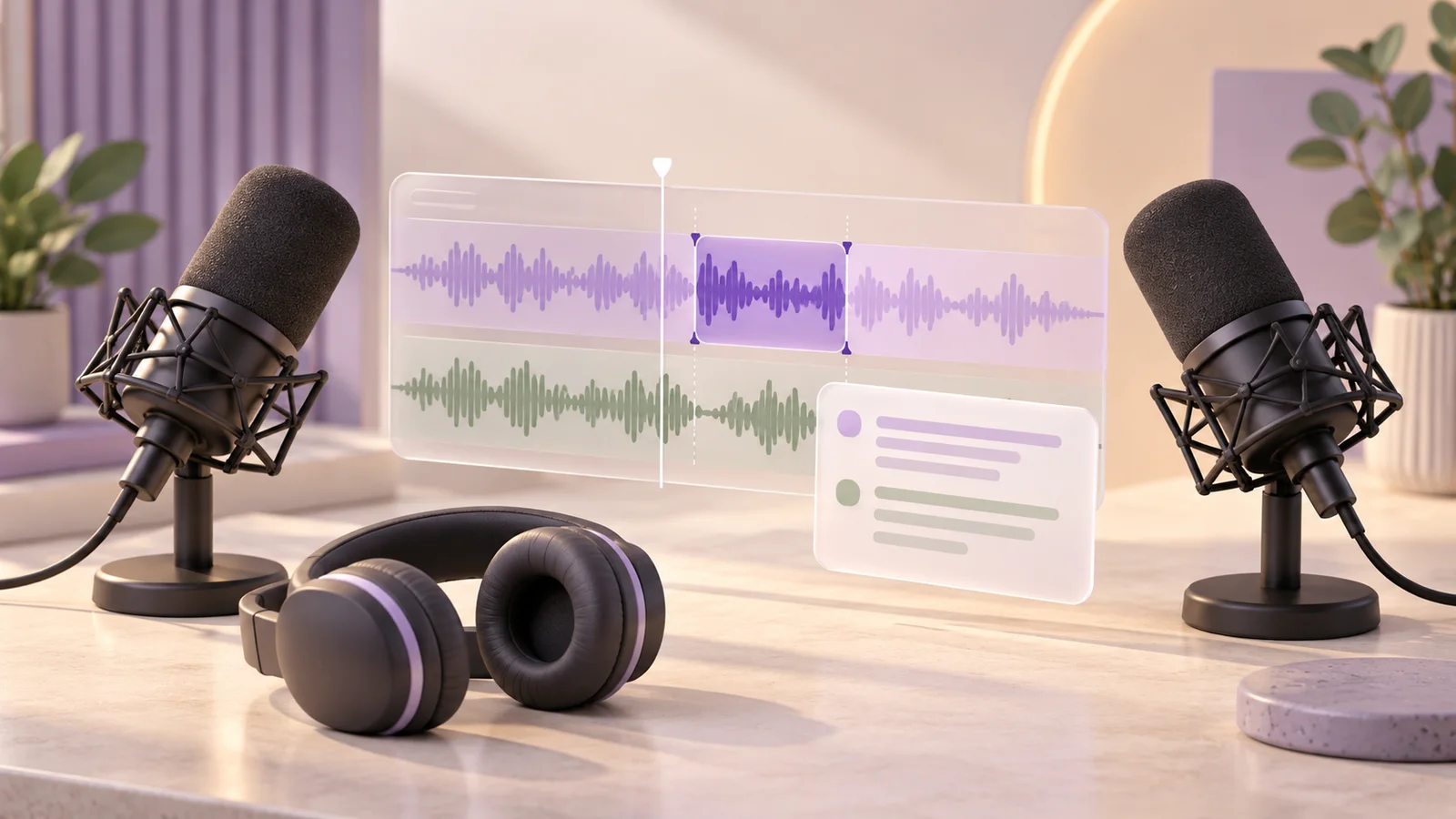
An interview podcast needs two kinds of editing: decisions about the conversation and work on the sound. AI can help with both, but a tool that levels voices is different from an editor that lets you rearrange an answer through a transcript.
Descript is our first choice for editing the structure of an interview through text. Riverside fits a recording-and-editing workflow for remote guests. Auphonic is a strong option for automated post-production, Adobe Podcast combines browser editing with speech enhancement, Alitu brings episode assembly and publishing together, and Cleanvoice suits a separate cleanup pass.
Research checked October 22, 2026. This ranking is an editorial comparison of official product, pricing and help pages. We did not conduct listening benchmarks or measure editing speed. The order reflects different production needs, without invented audio-quality scores.
How we chose these podcast tools
We focused on interview shows: one or more speakers, an editorial cut, a finished episode and sometimes a video version. Each recommendation helps with a different part of that workflow.
- Editorial control: can you inspect a proposed cut, edit a transcript or continue in another editor?
- Audio work: does the tool address uneven voices, noise, fillers or long gaps?
- Recording and import: can it use the files and separate speaker tracks you already have?
- Output: can you download the finished episode or the material needed for another editing pass?
- Actual allowance: what counts as a recording hour, uploaded hour, processing credit or AI action?
Choose around the part of production that costs you the most effort. A cleanup service can complement an editor; it does not automatically replace the decisions an interview needs.
Compare the six recommendations
Prices and allowances below were checked on October 22, 2026. US-dollar prices are labeled US$; Adobe's quoted regional display uses euros. Monthly billing and annual equivalents are identified separately. Taxes and local checkout offers can differ, and a free test allowance should not be treated as a recurring production plan.
| Recommendation | Best fit | Entry route | Main limit to check |
|---|---|---|---|
| 1. Descript | Editing interview structure through text | Free: one media hour/month | Free AI credits are a one-time allowance |
| 2. Riverside | Remote recording and editing together | 14-day trial; card required | Uploaded hours differ from recording/download allowances |
| 3. Auphonic | Leveling and automated post-production | Free: two processed hours/month, with jingle | Free multitrack output must be under 20 minutes |
| 4. Adobe Podcast | Browser editing and speech enhancement | Free enhancement: one hour/day | Free enhancement files are limited to 30 minutes each |
| 5. Alitu | Episode assembly through publishing | US$38 billed monthly; seven-day trial | Fair-use and hosting allowances apply |
| 6. Cleanvoice | Automated cleanup before a final review | 30 free minutes after signup | Submitted duration is rounded up to whole minutes |
1. Descript — best for editing interview structure through text
Choose it when: you want to shorten, reorder or refine a conversation by working with words rather than relying entirely on a waveform.
Descript transcribes audio and video, then links transcript edits to the media. Underlord assists with work such as fillers, retakes, show notes and clips, while Studio Sound provides audio enhancement. This combination suits a producer who needs both an editorial cut and supporting material for publication.
Pricing: the Free plan has one media hour per month and 100 one-time AI credits. Hobbyist is US$24 per person billed monthly, or US$16 per month equivalent with annual billing, and includes ten monthly media hours and 400 monthly AI credits. Confirm local checkout currency and taxes.
Limitations: media hours and AI credits are separate. AI usage depends on the tools and work requested, so ten hours of imported media does not mean unlimited AI processing. For a multichannel recording, the format guide says three or more audio channels are downmixed to stereo; prepare separate mono tracks if you need to retain independent channels.
The export options include audio, video, text, subtitles and editable timelines. Confirm the output your next editor needs, and listen around important cuts before treating a transcript edit as finished.
2. Riverside — best for remote interviews recorded and edited in one place
Choose it when: remote guest recording and the edit belong in the same production workflow.
Riverside's AI editing tools include text-based editing, pauses, clips, show notes and chapters. Magic Audio is available on specified paid plans, including Pro, through a computer browser or the Mac app. The current filler workflow presents suggestions for contextual review, with options to accept, discard or restore cuts.
Pricing: the current official trial explanation describes a 14-day trial requiring a card, followed by a paid subscription unless canceled. We do not quote a paid rate: that article and the pricing page disagree, and the pricing page itself warns that its rendered content may be outdated. Confirm the actual checkout terms.
Limitations: imported files have a separate allowance. The upload help lists 15 external-upload hours per month for Pro, Grow and Webinar. That is not the same allowance as individual recording-track downloads. The file requirements allow up to four hours and 25 GB per imported file, but exclude formats such as AV1 and HDR10.
Riverside is worth shortlisting for the combined workflow. If you already record elsewhere, compare the import allowance and the features you would actually use.
3. Auphonic — best for automated post-production after the main edit
Choose it when: the conversation is already shaped and you want a repeatable pass for levels, noise and delivery settings.
Auphonic's processing tools cover speaker leveling, noise and reverb reduction, voice enhancement, loudness targets and multitrack mixdown. It also offers automatic cuts for items such as fillers and silence, with review in Audio Inspector or exported cut lists. This makes it more capable than a simple volume normalizer, while still useful as a distinct post-production stage.
Pricing: Free includes two processed hours per month and adds an Auphonic jingle. The S subscription is US$13 billed monthly for nine hours per month. A one-time five-hour purchase is US$12. Applicable taxes are extra. Free multitrack productions must be shorter than 20 minutes; speech recognition, automatic show notes and chapters, and batch productions need paid access.
Limitations: the credit rules matter for planning. Recurring credits reset monthly without rollover; one-time credits do not expire. Processing has a three-minute minimum. A one-hour multitrack output uses one hour, rather than summing every speaker track. Reprocessing unchanged inputs in the same production does not incur another charge, but changed inputs or a new production can.
Use the free allowance to assess a representative passage. For a full interview, account for the jingle and multitrack duration gate before planning a release around the free tier.
4. Adobe Podcast — best for browser-based editing and speech enhancement
Choose it when: you want to work in a browser, or need a separate speech-enhancement stage alongside your existing editor.
The March 2026 product update documents remote audio/video recording and multitrack import in Studio (currently labeled beta), including per-speaker editing through a unified transcript. Premium source separation in Enhance Speech adds separate control and downloadable stems for speech, music and background sound.
Pricing and limits: Adobe's Enhance Speech FAQ gives Free an audio-only allowance of one hour daily, with files up to 30 minutes and 500 MB. The current plan page connects Podcast Premium to Firefly Pro, with bulk/video enhancement, strength controls and up to four enhanced hours daily. In the checked regional Firefly pricing display, Pro was €22.55 billed monthly including VAT; confirm the price and entitlement for your region.
Limitations: Studio and Enhance Speech have different browser requirements. The technical guide lists Studio for desktop Chrome, while Enhance Speech supports several desktop and mobile browsers. Studio can export MP3 or WAV, and premium access enables separate speaker recordings. Check the requirements for the specific tool you plan to use rather than assuming every Podcast feature works on a phone.
Keep the original recording and compare processed sections in context. Speech enhancement is one production decision, not a substitute for reviewing the interview.
5. Alitu — best for an episode workflow that includes publishing
Choose it when: you want recording, accessible editing, episode assembly and publishing in a single service.
Alitu's current feature set combines automatic cleanup and leveling with waveform/text editing, Magic Filters for fillers and silence, music, episode assembly and AI show notes. That is a practical shortlist option for a producer who wants to manage the finished episode without separately assembling several applications.
Pricing: the subscription guide verifies US$38 billed monthly and a seven-day trial. Hosting is included up to 1,000 downloads per month; additional shows and larger hosting tiers cost separately. Other supported currencies have different rates.
Limitations: confirm the allowance for your expected raw recording volume. The current terms and transcription help give different monthly fair-use figures. We therefore do not describe the processing or transcription as unrestricted. The FAQ also says the cloud app needs internet and is best used on a laptop or desktop. Stronger noise processing can remove wanted music, so check any musical content you intend to keep.
The export guide confirms MP3 downloads and publishing through Alitu or supported integrated hosts. If an editable production timeline or another delivery format is essential, verify that handoff before committing.
6. Cleanvoice — best for a cleanup pass before final editorial review
Choose it when: you already have a preferred editing process and want to automate repetitive cleanup around it.
Cleanvoice targets fillers, long silences, noise, mouth sounds and breaths. It supports synchronized multitrack edits, transcription and summaries, plus timeline export for further adjustment. For an interview show, the useful question is whether the cleaned result remains easy to review and finish in your chosen editor.
Pricing: signup provides 30 free minutes without a card. The checked pay-as-you-go offer is US$11 for five processing hours, with credits valid for two years and VAT excluded. This is a prepaid quantity, not a monthly subscription allowance.
Limitations: the credit explanation meters submitted duration, rounded up to whole minutes with a one-minute minimum. It says batch and multitrack processing do not add a separate charge. The format documentation lists common audio and video inputs, including WAV, MP3, M4A, FLAC and MP4. Confirm your editor's actual timeline handoff rather than assuming every application can import every exported edit format.
Review removed words and pauses around important answers. A hesitation may carry meaning in an interview, so accept the cleanup as a draft and retain a way to recover the original passage.
Which tool should you choose?
Start with Descript for a transcript-centered editorial cut, or Riverside if you want remote recording and editing together. Shortlist Auphonic for consistent post-production, Adobe Podcast for browser editing and enhancement, Alitu for assembly through publishing, and Cleanvoice for a separate automated cleanup pass.
Compare two candidates with the same representative excerpt: a quiet speaker, an interruption, a pause you want to preserve and any music you intend to retain. This is a suggested evaluation workflow, not a test we performed for this ranking.
- Keep source files. Retain the original recording and separate speaker tracks where available.
- Make the editorial cut. Decide what belongs in the episode before polishing material you may remove.
- Review automation. Listen around cuts, overlaps, names and quiet phrases, with access to the original.
- Check the delivery. Confirm the downloaded format and whether you need separate tracks, a transcript or an editable timeline.
- Budget raw material. A one-hour finished episode may begin with more than one hour of recordings. Price the work the service actually meters.
For shows that also publish a video edit, see our AI video editing guide. Our social scheduling comparison covers distributing episode clips and links after publication.
Can one processing-hour allowance cover the whole workflow?
Do not assume it can. Recording, external uploads, transcription, enhancement, AI actions and downloads can be metered separately. Check the service's definition, the plan's reset period and any charge for processing another version. The best value is the plan that supports your actual editing and delivery process, with enough room to review the result.
- Posted by
- AI Top Tools Editorial
- Published on
- Category(s)
- AI, ai content creation tools