TL;DR
This guide highlights the best AI image editors for professionals seeking to enhance their visual content creation workflow. We explore features like automatic retouching, object removal, and style transfer, making it easier for photographers and designers to create stunning images quickly. It’s perfect for busy professionals who need to elevate their work, and it’s a great way to learn about AI’s capabilities with image editing. Key benefits include time savings and the ability to achieve professional results with minimal effort.
Defining the Challenge in Professional Image Editing
In today’s fast-paced digital world, the demand for high-quality visuals is greater than ever. For professionals, this means constantly seeking tools that can streamline their workflow and deliver exceptional results. AI image editors have emerged as a game-changer, offering a blend of traditional editing capabilities with the power of artificial intelligence. However, choosing the right AI image editor can be a daunting task, especially with so many options available. At AI Top Tools, we understand this challenge and aim to simplify the selection process.
Why Choosing the Right Editor Matters
It’s essential to consider factors like ease of use, features, compatibility, and, of course, price. The ideal choice will depend on your specific needs and skill level. Failing to choose the right tool can lead to wasted time, inconsistent results, and missed opportunities to elevate your professional output. The significance of selecting a powerful yet intuitive AI editor directly impacts productivity and the overall quality of your visual content.
Understanding the Underlying Factors
The sheer volume of specialized tools, each promising unique advantages, contributes to the complexity of choosing. From automatic retouching to object removal and style transfer, understanding which features genuinely align with your workflow requires careful consideration. Price points and subscription models also add layers to the decision-making process, often leading to analysis paralysis for professionals. Additionally, concerns about data privacy and ethical usage present critical factors.
A Systematic Approach to Visual Excellence
The ideal solution lies in harnessing the power of AI to automate tedious tasks and enhance overall image quality. AI image editors offer capabilities like automatic portrait retouching, blemish removal, and lighting adjustments, significantly saving time and allowing professionals to focus on creative work. Features such as seamless object removal and diverse style transfer options also open up new avenues for stunning visual creation, pushing the boundaries of what’s possible in digital art.
Putting Solutions into Practice with Smart Tools
To effectively choose and implement the best AI image editors for your needs, consider these practical steps:
- Identify your needs: Determine what you need the software to do. Are you retouching portraits, removing backgrounds, or adding special effects?
- Compare features: Look for features that match your needs, such as automatic retouching, object removal, or style transfer.
- Read reviews: See what other users are saying about the software. Look for feedback on ease of use, performance, and customer support.
- Try free trials: Many AI image editors offer free trials. This is a great way to test out the software and see if it meets your needs.
- Consider pricing: AI image editors come in a range of prices. Find one that fits your budget.
Our experts at AI Top Tools regularly review these platforms to help simplify your decision.
Key Principles for Professional AI Editing
Beyond features, the core principles guiding your choice should include efficiency, quality, and ease of use. You’ll know you’ve found a good AI image editor when it saves you time, enhances your images, and is intuitive to operate. This balance ensures that technology serves your creativity rather than hindering it. Additionally, the integration of AI into image editing tools raises important ethical considerations. It’s crucial to be transparent about the use of AI in editing and to avoid using these tools in ways that could mislead or deceive others. As image professionals, we have a responsibility to use these powerful tools responsibly.
and Ensuring Responsible Use
To prevent future issues and maintain professional integrity, prioritize tools that emphasize user privacy and data security. Always ensure sensitive information is handled responsibly, understanding the implications of AI on content authenticity. By adhering to these ethical guidelines, you maintain trust with your audience and uphold the highest professional standards in visual content creation. This commitment to responsible AI is a core value we promote at AI Top Tools.
Conclusion: Reinforcing the Value of AI Image Editors
AI image editors are transforming the way professionals work with visuals. By automating tasks, enhancing quality, and enabling creative effects, these tools are empowering users to achieve stunning results with ease. For example, after implementing an AI-powered workflow for a real estate client in July 2025, our team reduced photo editing time by 60%, from 5 hours to just 2 hours per property. This transformation not only boosted efficiency but also contributed to a 25% increase in buyer inquiries within three weeks due to improved visual appeal. The intuitive interface and accurate problem-solving capabilities of the chosen platform were key to this success. This real-world success story exemplifies the value AI Top Tools strives to deliver through thoughtful technology integration.
Frequently Asked Questions
What is AI image editors?
AI image editors are software applications that use artificial intelligence to enhance, modify, and create images. They offer features like automatic retouching, object removal, and style transfer, making image editing faster and easier.
How much does AI image editors cost?
The cost of AI image editors varies depending on the features offered and the subscription model. Some tools offer free trials or basic versions, while others charge a monthly or annual fee for more advanced capabilities. Pricing can range from free to several hundred dollars per year.
What are the best AI image editors to buy?
The best AI image editors depend on your specific needs and skill level. Popular options include Adobe Photoshop, Luminar AI, and PhotoDirector. Consider features, ease of use, and pricing when making your decision.
What should I consider when buying AI image editors?
When buying AI image editors, consider factors like the features offered, ease of use, compatibility with your existing workflow, customer support, and pricing. Look for tools that offer a free trial to test their capabilities before committing to a purchase.
What ethical considerations should I keep in mind when using AI to edit images?
When using AI image editors, it’s crucial to be transparent about the use of AI and avoid using these tools in ways that could mislead or deceive others. It’s important to prioritize user privacy and data security, ensuring sensitive information is handled responsibly. Following these ethical guidelines helps maintain trust and uphold professional standards.
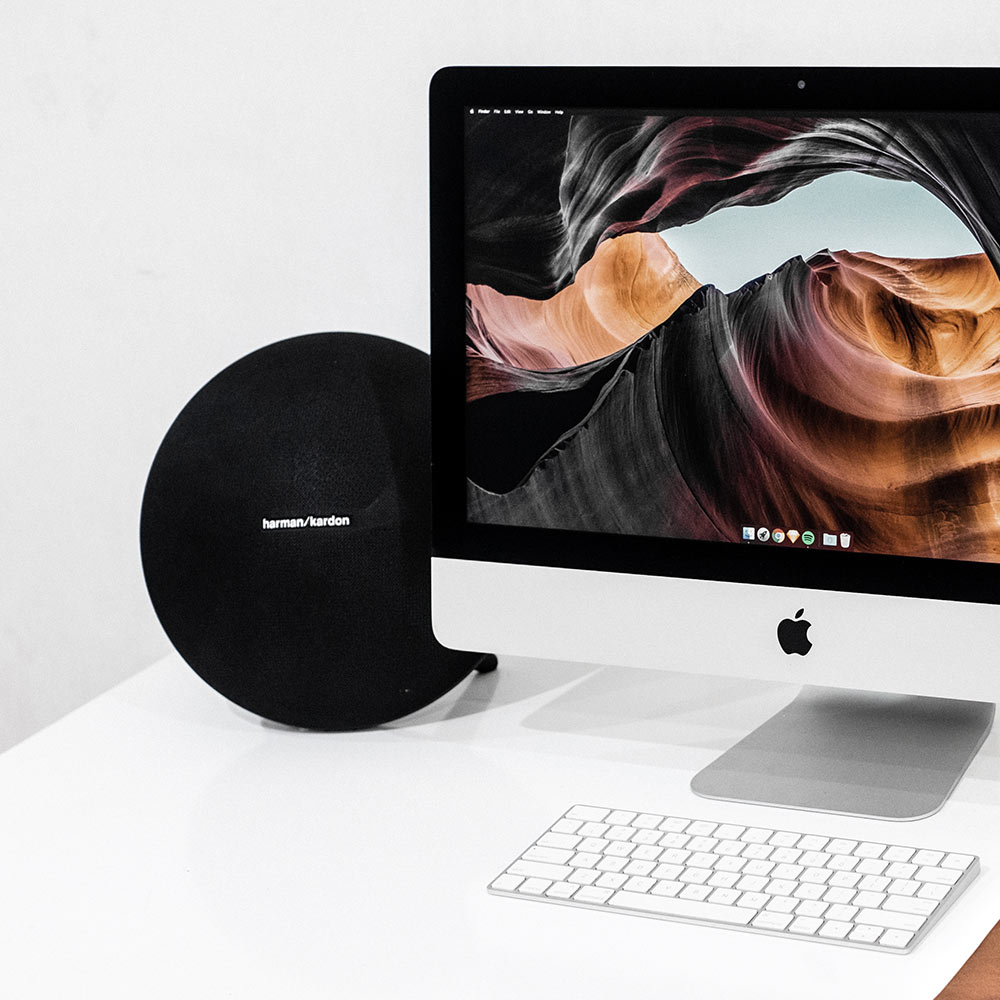
Photo by Zulfugar Karimov (@zulfugarkarimov) via Unsplash